Live surgical teaching, remote consultations, and medical conference broadcasts share a common challenge: the network at the venue is often outside your control. An operating room may lack a fixed internet connection for external streaming. A borrowed conference room may have unreliable network service, or a venue may have no network port reserved for streaming equipment. A setup tied to a fixed wired network may need to be redesigned every time the venue changes.

This is the problem Magewell Ultra Stream live streaming encoders are intended to address. Whether at a hospital, conference center, or temporary event site, streaming is possible wherever a suitable Wi-Fi or mobile network connection is available.
What Matters Most When Choosing Streaming Equipment for Medical and Educational Use
When evaluating streaming equipment for hospitals and educational institutions, these needs come up most often:
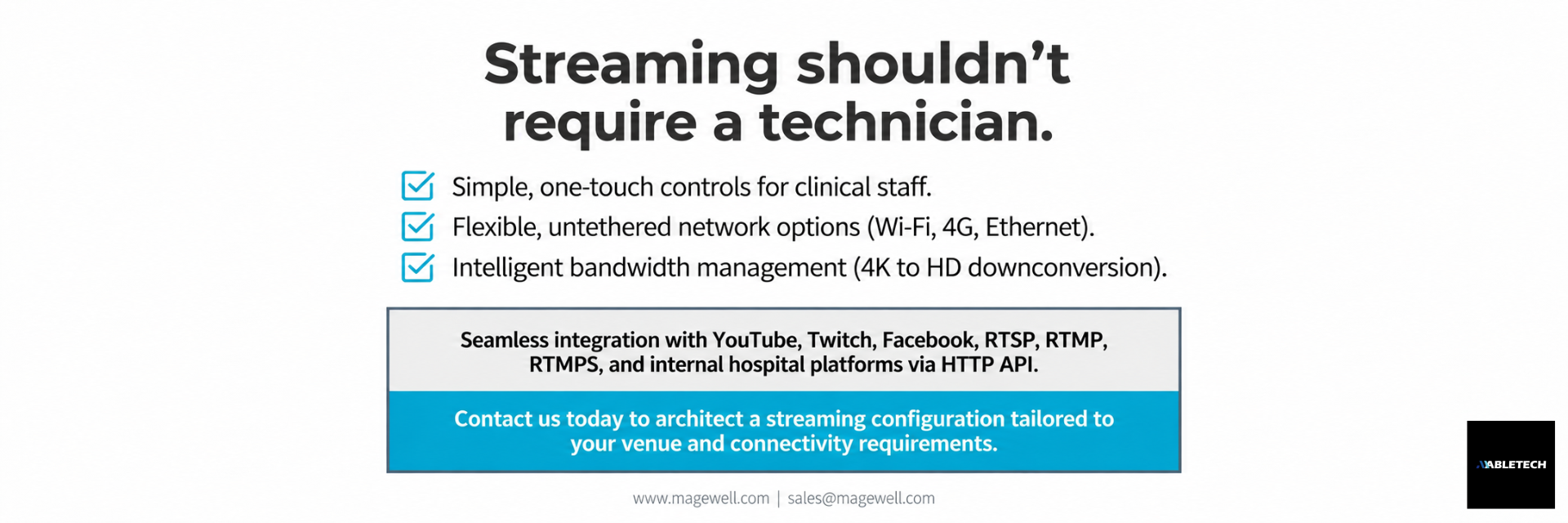
● Simple operation: The person starting a stream is often a doctor or instructor, not a professional broadcast technician. The equipment should be easy to learn and use.
● Network alternatives: If a wired connection fails or performs poorly, another way to connect should be available so one network cable does not determine whether the event can continue.
● Image quality and bandwidth balance: The source may be 4K, but the platform or viewers may not have enough bandwidth for a 4K stream. The output needs to accommodate network conditions.
● Simultaneous recording: Teams may also want to record a stream for later teaching review or archiving.
Ultra Stream is designed around these requirements in both its hardware and user interface.

Key Ultra Stream Features
Three ways to start streaming with little training: Ultra Stream can be operated using a physical button on the unit, a built-in web interface (compatible with major browsers including IE, Edge, Firefox, Chrome, Safari, and Opera), or a mobile app. Staff can start a stream with a button press or through the app without learning the technical details of streaming. Devices can also be registered with up to two management platforms through Control Hub to simplify centralized management.
4K input with HD downconversion: The HDMI version accepts up to 4096 × 2160 at 60 fps (4:2:0) or 30 fps (4:4:4/4:2:2). The SDI version accepts up to 2048 × 1080 at 60 fps. The HDMI model can take a 4K source, such as a 4K endoscope or camera, while its streaming output can be downconverted to HD (configurable up to 1920 × 1080) according to network conditions and settings. This helps maintain a stable stream when bandwidth cannot support 4K delivery.
Dual-stream output: A main stream of up to 8 Mbps and a substream of up to 2 Mbps can run at the same time. The higher-quality stream can serve the primary viewing platform, while a lower-bandwidth substream can be used as a backup or for mobile viewing.
Wi-Fi, Ethernet, and mobile connectivity: Alongside standard Gigabit Ethernet, Ultra Stream includes 802.11 a/b/g/n/ac Wi-Fi and supports an optional plug-and-play USB 3G/4G cellular modem. Streaming can therefore be set up without a wired network port when suitable cellular coverage is available, which is useful in temporary venues or remote medical teaching settings.
Record while streaming: Recording can be made to a USB flash drive, the built-in 32 GB SD storage, or a paired mobile device. MP4 and MOV are supported, and segmented recording intervals can be set from five minutes to two hours, making later editing and archiving easier.
Support for common platforms and internal systems: Ultra Stream supports streaming to platforms such as Facebook, Twitch, and YouTube using protocols including RTSP, RTMP, and RTMPS. An HTTP API also allows integrators and hospital IT teams to connect it to an existing streaming management system or internal platform, so use is not limited to public broadcasts.

Applications Beyond Live Surgery
Although this article focuses on streaming for surgical teaching, Ultra Stream can support other applications:
● Medical conferences and continuing education: Doctors who cannot attend in person can participate in courses through a live stream, subject to the relevant continuing education rules.
● Remote consultations and support across hospitals: With a mobile network connection, a rural clinic or branch hospital can send live images to specialists at a main campus for review.
● Corporate events and training: A borrowed conference room or classroom can be set up for streaming without redesigning the venue network.

Frequently Asked Questions
Q1: Can Ultra Stream really broadcast reliably from a venue without fixed internet? It can connect through an optional USB 3G/4G cellular modem and stream where suitable cellular coverage is available. Actual stability depends on signal quality and available bandwidth at the site.
Q2: If the input is 4K, will the outgoing stream also be 4K? The HDMI model accepts input up to 4K60, but streaming output can be downconverted to HD according to network conditions and settings to help avoid buffering when bandwidth is limited.
Q3: Can clinical staff without streaming experience operate it? Yes. A physical button, web interface, and mobile app give staff three straightforward ways to control Ultra Stream.
Q4: Can it record a backup while streaming? Yes. It can record to a USB flash drive, built-in SD storage, or a paired mobile device for teaching review or recordkeeping after the broadcast.
Q5: Can Ultra Stream connect to a hospital’s existing streaming management platform? Yes. Its HTTP API and Control Hub management features help integrators and IT teams incorporate it into an existing system.
Conclusion
The practical value of streaming equipment lies in how well it works on site. With simple controls, flexible network connections, and HD downconversion, Ultra Stream can support live surgical teaching, remote consultations, and training across venues with different network conditions. If you are evaluating streaming equipment, contact us to discuss a configuration suited to your venue and connectivity requirements.